
RAYPCB / Rigid-flex engineering
Rigid-Flex PCB Quote: Files, Scope & Cost Drivers
Prepare the files and commercial scope that allow a meaningful engineering-reviewed quotation.
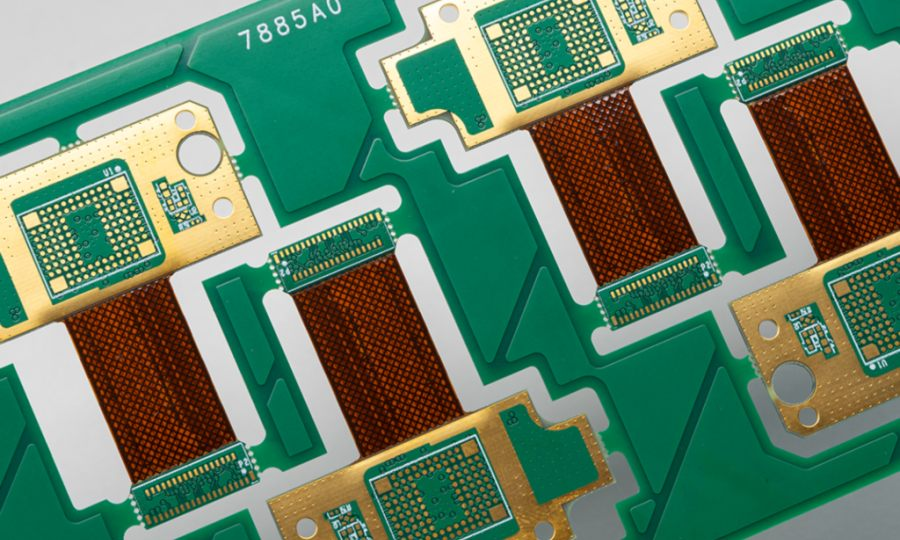
Compare quotations using one controlled RFQ
| RFQ field | Illustrative entry, not an offered specification |
|---|---|
| Construction | 6 total copper layers; L3 and L4 continue in the flex; attach regional map |
| Order quantities | Prototype and repeat quantities listed separately |
| Scope | Bare boards only, or separately itemized assembly and component sourcing |
| One-time charges | CAM/setup, fixtures and test tooling itemized separately |
| Recurring charges | Boards, agreed inspections and order-specific assembly operations |
| Exceptions | Unresolved materials, mechanical duty or acceptance requirements marked for review |
If an offer changes the material, layer construction, test scope or delivered quantity, it is not directly comparable until those differences are resolved. Request a revised scope rather than choosing only the lowest displayed unit price.
Use the budget tool for an initial scenario. For a firm offer, send the RFQ and files through Contact; the optional calculator does not submit files.
Construction reference
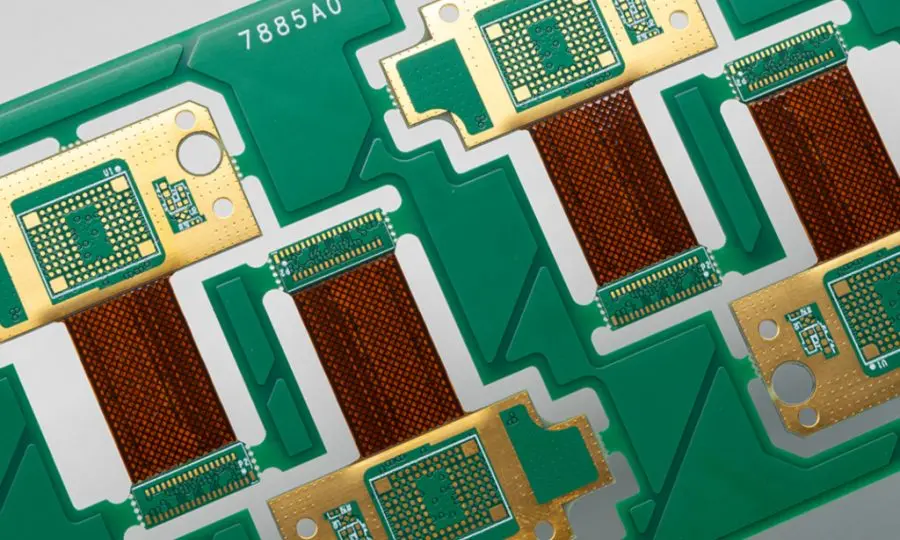
Gallery references illustrate board forms. They do not certify the construction, dimensional limits or operating life of your design.
Rigid-flex PCB budget scenario
Explore an early bare-board allowance. The coefficients are uncalibrated; unsupported combinations require an engineering quote.
RAYPCB ENGINEERING
Project PreparationRigid-Flex PCB Budget Estimator
Loading Rigid-Flex PCB Budget Estimator…
Continue with the next engineering decision
Send a complete project brief
Include the flat outline and installed view, layer/region mapping, material grades, finished thicknesses, bend duty, copper artwork, drill information and quantities. Add the BOM, placement file and acceptance requirements when assembly is included.
Mark unresolved choices rather than guessing. Download tool results if they help describe your request. Contact does not automatically receive calculator inputs.